
Triobo Portal: how to set up information about the publisher and publication
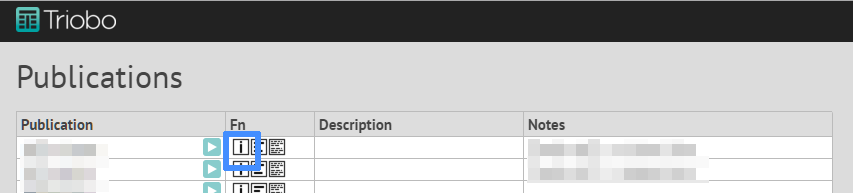
All changes are made in publication detail page after pressing the [i] icon:
On following screen are these important buttons : 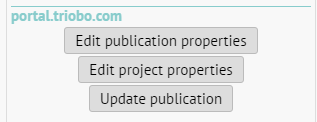
Changing information about the publisher
Section titled “Changing information about the publisher”You may always change the publisher information – in any publication (which has its own public application), by using the “Edit project properties” button. A window appears where you can upload your logo in PNG format and fill in additional information.
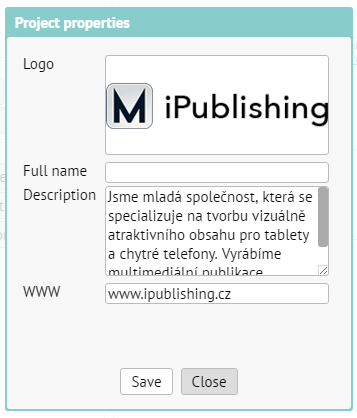
Simply press the “Update publication” for saving.
Changing information about the publication
Section titled “Changing information about the publication”You may always change information about your publication – by using the “Edit publication properties”. A window appears where you can upload publication logo in PNG and fill in additional information.
Simply press the “Update publication” for saving.